




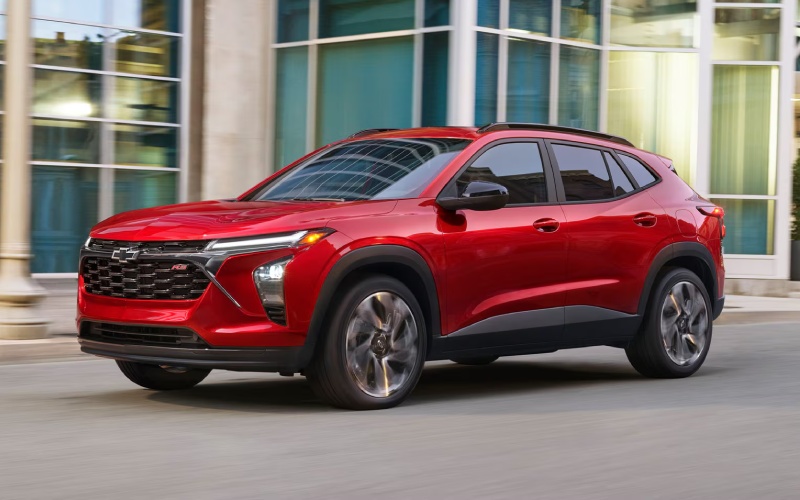
Curry Chevrolet - Does the 2026 Chevy Trax have the safety tech Tuckahoe, NY drivers want?
Safety technology is a major deciding factor for many small SUV shoppers, especially in communities where local streets, school traffic, tight parking areas, and parkway driving can all be part of the same day. The Chevy Trax is designed with that kind of everyday driving in mind, offering standard Chevy Safety Assist and available technologies that help create a more confident experience behind the wheel. For shoppers comparing compact SUVs, the important question is not simply whether a vehicle has safety features, but whether those features are practical, easy to understand, and useful in common driving situations.
The Trax answers that question with a strong standard safety foundation. Chevy Safety Assist is included across the lineup, bringing a group of advanced safety and driver assistance features that support awareness without making the vehicle feel complicated. That matters for drivers who want modern protection but do not want to sort through confusing menus or rely on features that only appear on select high-end configurations. At Curry Chevrolet, serving White Plains, Tuckahoe, and Hartsdale, we help shoppers look closely at how these technologies work, what comes standard, and which available features may be worth prioritizing based on daily driving needs.
What comes with Chevy Safety Assist?
Chevy Safety Assist is a suite of six advanced safety and driver assistance features. Chevrolet highlights systems such as Forward Collision Alert and Automatic Emergency Braking, Front Pedestrian Braking, Lane Keep Assist with Lane Departure Warning, Following Distance Indicator, and IntelliBeam® High Beam Assist. These features are designed to help the driver stay more aware of surrounding conditions and respond to certain potential hazards.
Forward Collision Alert and Automatic Emergency Braking can be especially helpful in traffic where vehicles may slow suddenly. The system can help warn the driver of a potential front-end collision, and Automatic Emergency Braking can help apply braking in certain situations. Front Pedestrian Braking is designed to help when a pedestrian is detected ahead, which can be useful in busy village centers, shopping areas, or near crosswalks. These features do not replace attentive driving, but they can add helpful support during routine travel.
- Forward Collision Alert: Helps warn the driver when a potential front-end collision is detected.
- Automatic Emergency Braking: Can help apply braking in certain situations to help reduce collision severity.
- Front Pedestrian Braking: Helps detect pedestrians ahead and can assist with braking in certain conditions.
- Lane Keep Assist with Lane Departure Warning: Can help alert the driver and provide gentle steering support if the vehicle drifts.
- Following Distance Indicator: Helps show the following gap time between Trax and a detected vehicle ahead.
- IntelliBeam® High Beam Assist: Can automatically turn high beams on and off when conditions allow.
Together, these systems give Trax a reassuring safety baseline. For many shoppers, that standard content is a significant advantage because it means the vehicle includes meaningful driver assistance technology without requiring a complicated upgrade path just to access the essentials.
How does this help with Tuckahoe-area driving?
Drivers around Tuckahoe often deal with a mix of residential streets, compact parking areas, train station activity, school drop-off zones, and quick connections to larger roads. That variety makes driver assistance technology more valuable because conditions can change quickly. A calm neighborhood road can turn into a crowded intersection in moments, and stop-and-go traffic can demand constant attention.
Lane Keep Assist with Lane Departure Warning can be useful on roads where lane markings are clear and traffic movement requires steady focus. Following Distance Indicator can help drivers better understand how closely the vehicle is following traffic ahead, which can encourage smoother spacing. IntelliBeam® High Beam Assist is another practical detail, particularly for drivers who move between well-lit commercial corridors and darker residential stretches. The system can help manage high-beam use when appropriate, adding convenience while supporting visibility.
It is important to keep expectations realistic. Chevrolet notes that safety and driver assistance features are not substitutes for the driver’s responsibility to operate the vehicle safely. The driver should remain attentive to traffic, surroundings, and road conditions at all times. Visibility, weather, and road conditions may affect feature performance. That guidance is not a drawback; it is a helpful reminder that the best safety experience comes from combining smart technology with engaged driving.
Why technology and safety work well together in Trax
Safety is not the only area where Trax feels modern. Standard wireless Apple CarPlay® and wireless Android Auto™ compatibility help keep navigation, calls, messages, and audio more accessible through the vehicle’s infotainment system. When drivers can use familiar smartphone functions through the screen, it can help reduce the temptation to handle a phone directly. Available wireless charging and an available Built-in Wi-Fi® hotspot also contribute to a cleaner, more connected cabin.
The available 11-inch center HD touch-screen is another feature worth considering. A larger display can make maps, audio information, and vehicle functions easier to view. For shoppers who spend a lot of time moving between errands, appointments, and commuting routes, an intuitive infotainment setup can make the vehicle feel more comfortable day after day. The goal is not technology for its own sake. In Trax, the cabin tech supports the same mission as the safety systems: make daily driving easier, more connected, and more confident.
Which Trax trim should safety-focused shoppers compare?
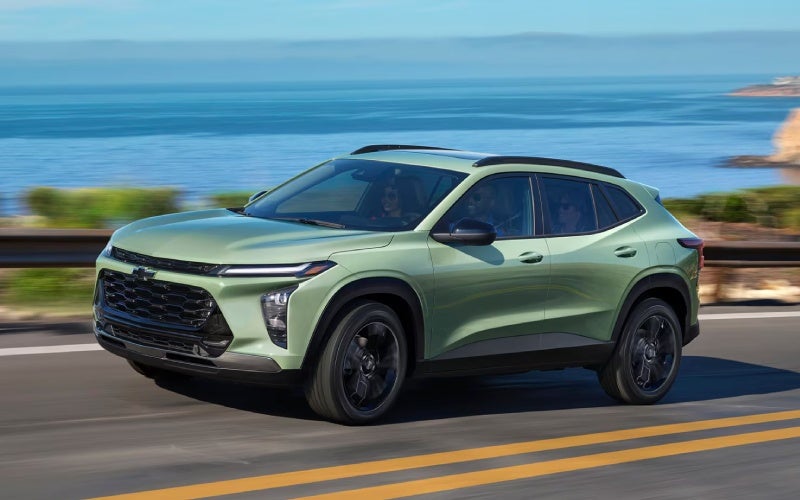
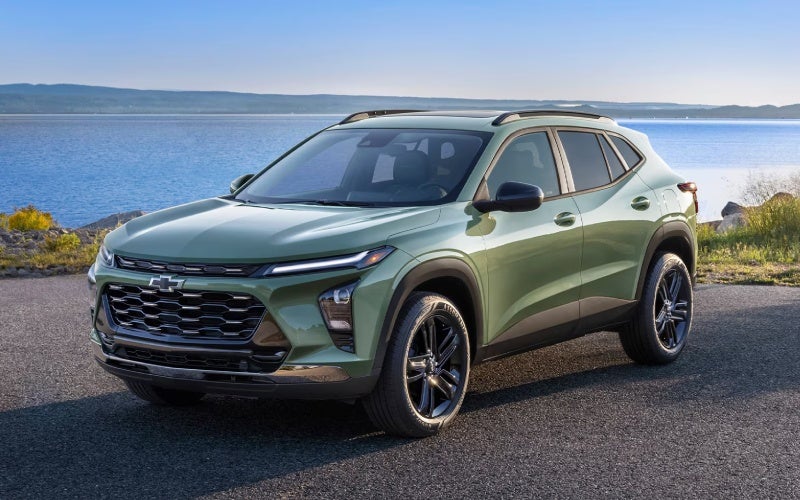
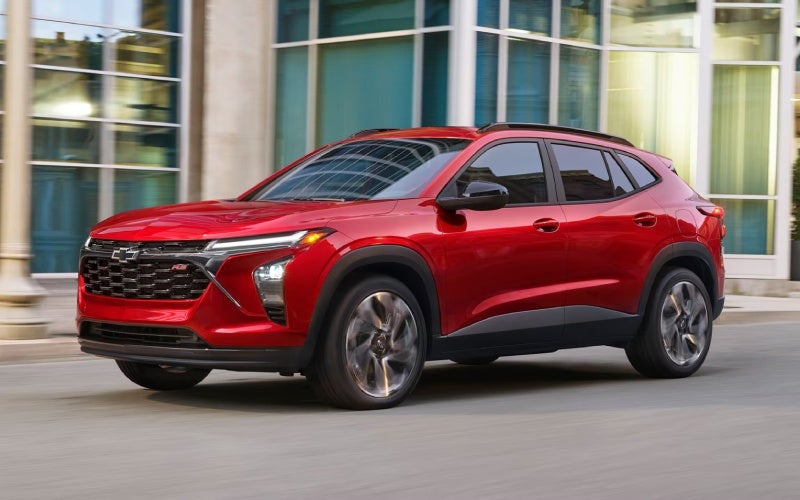
Because Chevy Safety Assist is standard, every Trax trim starts with a strong safety foundation. That gives shoppers more freedom to choose based on design, comfort, and technology preferences. LS delivers the essentials, while LT adds features such as the available 11-inch diagonal color touch-screen and 8-inch diagonal color Driver Information Center, along with a Remote vehicle starter system and automatic climate controls. The 1RS and 2RS trims bring sporty design details, while ACTIV adds bold styling with 18-inch Black-painted aluminum wheels, Titanium chrome exterior accents, unique interior accents, and ACTIV badging.
For safety-focused shoppers, the right trim often depends on how much daily convenience matters alongside driver assistance technology. If a larger display, comfort upgrades, and additional connected features will make the vehicle easier to use every day, LT or higher trims may be worth a closer look. If the priority is the core safety suite and a simple, efficient small SUV layout, LS remains a smart starting point.
- Start with standard safety: Confirm Chevy Safety Assist is included and understand what each system is designed to do.
- Compare display options: Decide whether the available 11-inch center HD touch-screen improves daily usability for your needs.
- Think about passengers: Check visibility, rear-seat comfort, and how easily passengers enter and exit.
- Review cargo flexibility: Fold the 60/40 split-folding rear seat and consider how often you carry larger items.
- Test real situations: During a test drive, include local streets, traffic, turns, parking, and a faster road if possible.
Safety shopping should feel practical. Instead of focusing only on feature names, think about how each system fits the way you actually drive. A good test drive can help you understand visibility, steering feel, braking response, screen placement, and cabin comfort. It can also help you compare trims in a more useful way than reading specifications alone.
Frequently Asked Questions:
Does every Trax include Chevy Safety Assist?
Yes. Trax comes standard with Chevy Safety Assist, which includes six advanced safety and driver assistance features. This gives every trim a strong baseline of confidence-focused technology.
Can Trax safety features prevent every collision?
No safety system can prevent every collision. Features such as Forward Collision Alert, Automatic Emergency Braking, and Front Pedestrian Braking are designed to assist in certain situations, but drivers must remain attentive and in control at all times.
Is Trax a good fit for newer drivers?
Trax can be a strong option for newer drivers because it is compact, easy to maneuver, and includes standard Chevy Safety Assist. Its wireless smartphone compatibility and available larger display also help create a familiar, user-friendly cabin.
Should I choose a higher trim for better safety?
Since Chevy Safety Assist is standard, you do not need a higher trim just to get the core driver assistance suite. However, higher trims may offer additional comfort, technology, and design features that improve the overall ownership experience.
For shoppers who want a compact SUV that takes safety seriously without becoming overly complicated, Trax makes a compelling case. Its standard Chevy Safety Assist, available connected technology, flexible cargo area, and approachable size all support the needs of drivers navigating Westchester roads. The best next step is to compare trims in person, ask how each system works, and take a test drive that reflects your daily routine.